
All-in-one solar inverter and battery systems for Philippine brownouts
Keep the buying question simple: which appliances must stay on, how long must they run, and does the exact unit match Philippine power?
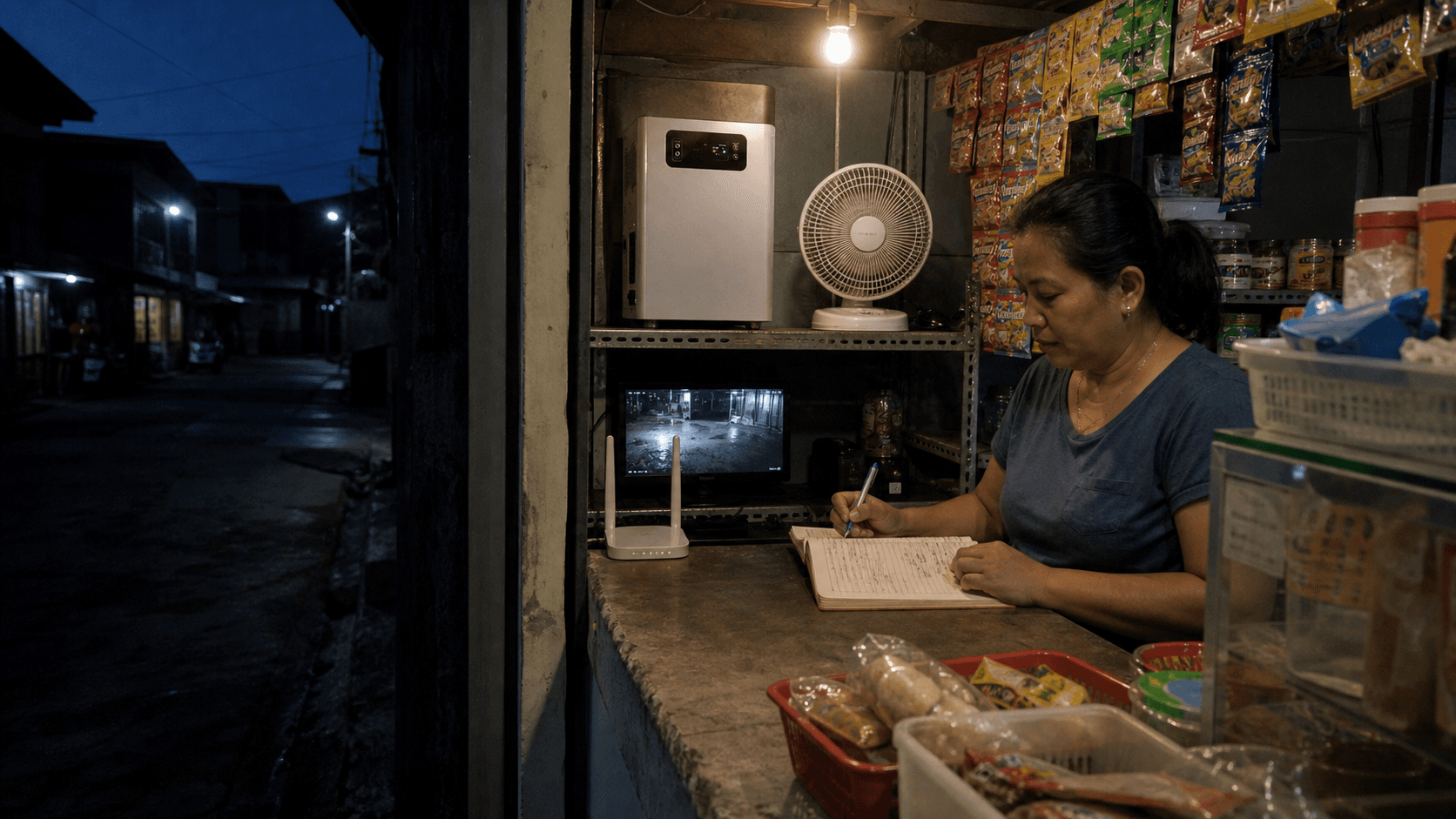
During a brownout, most people do not care how many operating modes an inverter has. They want to know whether the fan, refrigerator, Wi-Fi and a few lights can stay on—and for how long. That is the right place to start when comparing an all-in-one solar inverter with battery in the Philippines.
This product family puts the inverter, lithium battery, solar charger and utility charger in one enclosure. The smaller units begin at 300W, while the larger models reach the 5kVA, 6.5kVA and 12kVA classes. They are made for very different jobs. A compact box for a router and fan should not be judged by the same checklist as a heavy unit intended for several home or shop circuits.
This guide uses the published ranges for the product family to explain the choices in normal language. It does not promise that a model will run every appliance named below. Appliance labels, motor starting demand, local installation and the exact Philippine version still have to be checked before an order is confirmed. The photographs are illustrative editorial scenes rather than customer project records.
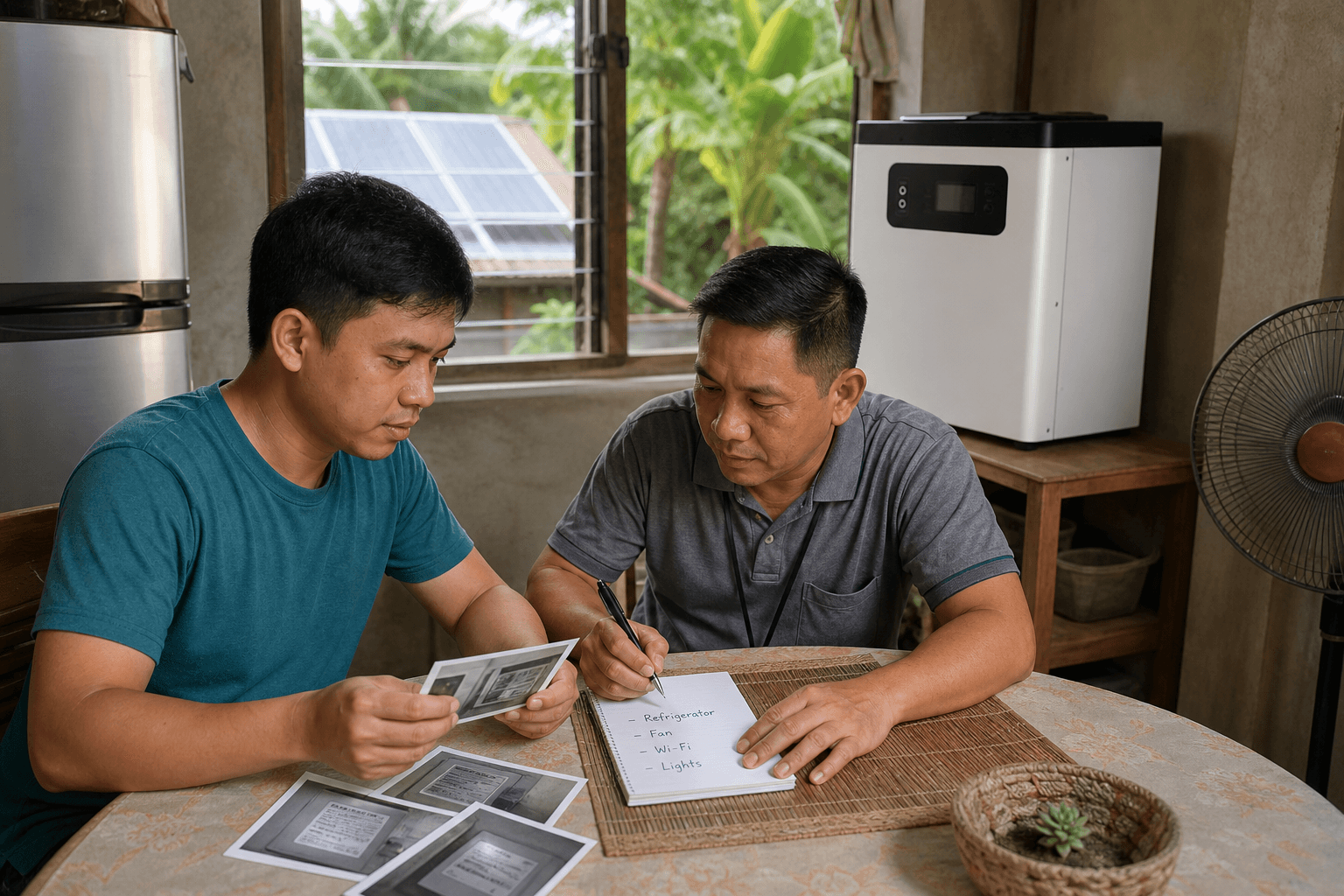
Begin with the appliances you cannot do without
Write down what really needs power when the grid is off. For many homes that means a refrigerator, Wi-Fi router, two or three lights, phone charging and one fan. A home office may add a laptop and monitor. A sari-sari store may need CCTV, a point-of-sale device or a small drinks refrigerator.
Now look at what people often add without thinking: a rice cooker, electric kettle, iron, microwave, water pump or air conditioner. These appliances can use far more power than lights and electronics. Some also pull a short burst of extra power when they start. A system that comfortably runs a router and fan may shut down when a kettle is switched on.
You do not need a perfect electrical survey to make the first list. Take a clear photo of each appliance label, note which items may run together, and estimate how many hours the outage normally lasts. Those three pieces of information are more useful than asking for a unit based only on the size of the house.
- 1
List the must-run appliances
Start with the refrigerator, lights, fan, Wi-Fi, work devices, pump or other items that genuinely matter during an outage.
- 2
Check what runs at the same time
The inverter has to carry the combined demand, including the harder start of motors and compressors.
- 3
Choose the backup hours
A longer brownout needs more stored energy, even when the appliance list stays the same.
Power and battery capacity answer two different questions
The watt or kilowatt rating tells you how much equipment the inverter can support at one time. Battery capacity, shown in watt-hours or kilowatt-hours, tells you how much energy is stored. A larger battery can extend the running time, but it does not automatically let the inverter carry a larger load.
One example in this product range makes the point clearly. Two medium models are both rated at 2.4kW output, while one carries a 2.56kWh battery and another a 5.12kWh battery. The larger battery is mainly about time. The output limit remains 2.4kW.
Model names can also be misleading. A unit described as “3K” in a catalogue may have a 3kVA inverter class but a published rated AC output of 2.4kW. Compare the rated output row and battery-capacity row instead of treating the model name as the answer.
- Product range
- Compact
- Published output and battery choices
- 300W / 500W / 1000W with about 0.9kWh / 1.0kWh / 2.0kWh
- A sensible starting use
- Selected lights, Wi-Fi, phones, a fan, laptop or other small essentials after checking the appliance labels.
- Product range
- Home and small shop
- Published output and battery choices
- 1.5kW or 2.4kW rated output with 1.28kWh / 2.56kWh / 5.12kWh
- A sensible starting use
- A wider essential-load list, such as home-office equipment, fans, lighting and suitable refrigeration.
- Product range
- Larger backup
- Published output and battery choices
- 5kVA / 6.5kVA / 12kVA model classes with 8kWh / 15kWh / 16kWh
- A sensible starting use
- Several home or small-business circuits, subject to the exact battery-only output, motor loads and local system design.
| Product range | Published output and battery choices | A sensible starting use |
|---|---|---|
| Compact | 300W / 500W / 1000W with about 0.9kWh / 1.0kWh / 2.0kWh | Selected lights, Wi-Fi, phones, a fan, laptop or other small essentials after checking the appliance labels. |
| Home and small shop | 1.5kW or 2.4kW rated output with 1.28kWh / 2.56kWh / 5.12kWh | A wider essential-load list, such as home-office equipment, fans, lighting and suitable refrigeration. |
| Larger backup | 5kVA / 6.5kVA / 12kVA model classes with 8kWh / 15kWh / 16kWh | Several home or small-business circuits, subject to the exact battery-only output, motor loads and local system design. |
These are product-family ranges, not an appliance guarantee. The final quotation should name one exact model, its rated AC output and its battery capacity.
What the compact and medium units are good at
The 300W and 500W models suit a short list of small loads. Think communication and basic comfort: Wi-Fi, phone charging, LED lights, a fan or a laptop. The 1000W model with roughly 2kWh of stored energy gives more room, but 1000W is still its output ceiling. An electric kettle, iron, induction cooker or large pump should never be assumed from the battery size alone.
The 1.5kW and 2.4kW units fit a different kind of request. They may support a home office, selected shop equipment or a carefully chosen group of household essentials. Refrigerators need special attention because the compressor starts and stops. Ask for the appliance label and model, rather than adding “one fridge” to a list as if every refrigerator behaves the same way.
Air conditioners need the same care. An efficient small inverter-type air conditioner may be possible on a suitable system, while a larger or older unit may exceed the available output or leave too little room for other loads. The outdoor-unit label, intended running hours and other simultaneous loads should be reviewed before anyone says yes.
Runtime cannot be read from battery capacity alone. The unit uses some energy itself, appliance demand changes, and a battery is not normally planned around draining every last watt-hour. A load calculator gives a useful first estimate, then the exact product settings and usable-energy limits should be checked for the quotation.
How long will a 2kWh battery run my appliances?
It depends on the combined load and the usable energy allowed by the exact system. A light load may run for several hours, while a demanding appliance can use the same stored energy much faster. List the appliance watts and expected hours before comparing runtime.
Can a 1000W all-in-one unit run a refrigerator?
Possibly, if the refrigerator's normal demand and starting surge fit the exact inverter limits and there is enough battery energy for the planned hours. Check the refrigerator label and model rather than relying on a general yes or no.
When a larger all-in-one system makes sense
A household that wants refrigeration, several fans, work equipment, lights and a pump may quickly outgrow the compact range. The same applies to a small clinic, office, store or workshop that cannot stop every time the grid goes down. Larger 5kVA, 6.5kVA and 12kVA-class units pair the power electronics with 8kWh, 15kWh or 16kWh batteries in the listed product range.
The bigger number still needs reading carefully. One 5kVA product sheet, for example, states 5kW output with PV available and 4.2kW without PV. That detail matters during a night-time brownout, when the battery may be doing the work without solar input. The quotation should state the continuous output expected in battery mode, not just the largest number printed in the model name.
A larger enclosure is also much heavier. The listed products run from tens of kilograms to well over 100kg. They need a dry, ventilated and properly supported position with service access. The current product information does not establish an outdoor weather rating, so a balcony, exterior wall or flood-prone ground-level corner should not be treated as a default location.
Whole-home backup is a design decision. Even a large unit can be overloaded when air conditioning, water heating, cooking and pumps run together. Many families get a more practical result by choosing the circuits that remain available during a brownout and changing a few habits until grid power returns.
Four Philippine checks that belong on the quotation
First, confirm 230V and 60Hz output for the exact model being offered. The Philippine Department of Energy's net-metering guide describes the local grid frequency as 60Hz and the typical single-phase voltage as 230VAC. Some equipment can accept 50Hz or 60Hz at its AC input but still produce only one frequency from the battery inverter. “50/60Hz input” is therefore not enough; the output line on the final datasheet should say what the Philippine version supplies.
Second, decide whether the system is only charging from the grid or is also meant to send solar power back to it. An AC input allows the unit to charge from utility power. That does not prove that it is a grid-export inverter. Net-metering needs the correct grid-connected equipment, anti-islanding protection, utility documents and local approval. Meralco's current process, for example, includes documents, technical evaluation, inspection, an appropriate meter and commissioning within its franchise area. Other distribution utilities can have their own process.
Third, plan for heat, moisture and flooding. The listed operating range reaches 50°C and the humidity figure excludes condensation, but those catalogue limits do not turn the enclosure into outdoor equipment. Keep it out of direct sun and rain, allow ventilation, and choose a place above likely flood water. A local professional should confirm the final location and electrical work.
Fourth, ask what happens when the grid fails and returns. Does the exact unit change over automatically? How long does it take? Which outlets or circuits stay live? Can solar continue charging during the outage? A transfer time is not shown in the product information reviewed for this guide, so it should not be sold as seamless computer or server backup without model-specific evidence.
- Exact model code and a datasheet showing 230V/60Hz AC output for the offered version.
- Rated continuous output in battery mode, plus any stated peak or motor-start limit.
- Battery capacity, usable-energy rule and low-battery behaviour for the intended setting.
- Solar input range, maximum open-circuit voltage and current matched to the proposed panel array.
- Changeover behaviour, recharge sources and whether loads can run while the battery is charging.
- Indoor location, ventilation, weight support, local installation scope and warranty route.
Does every model in this range support Philippine 230V/60Hz power?
Do not assume that from the family name. Ask for the exact output specification of the quoted version. A wide AC input range or automatic 50/60Hz input detection does not by itself confirm 60Hz output when the unit is running from its battery.
Can this all-in-one system be used for net metering?
The current family information shows solar charging, utility charging and backup functions. That alone does not confirm grid export. Use a model for net metering only when its grid-export function, anti-islanding evidence and local utility approval route are documented for the exact installation.
Solar charging and utility charging solve different parts of the problem
Utility charging is useful when the battery needs to be ready before the next outage. Solar charging can add daytime energy and reduce reliance on the grid, provided the panel voltage and current match the charger's input window. Some models also list combined utility and solar charging. The final charging speed depends on the exact model limits, available sunlight and how much power the loads are using at the same time.
Panels are normally a separate part of the package unless the quotation lists them. Mounting, solar cables, protection equipment, delivery and local installation can also sit outside the all-in-one unit price. Ask for an itemized scope so a low equipment-only offer is not compared with a package that includes panels and site work.
For a solar panel proposal, the maximum PV open-circuit voltage and the charger's working range matter more than a general panel-count promise. The responsible technical party should match the array to the exact unit and local conditions. This guide does not provide panel wiring or protection sizes because those depend on the product manual and the installation.
Send an appliance list before asking for a price
A useful quotation starts with a short, ordinary description of the problem. Say where the system will be used, what must run, what may run together and how long a typical brownout lasts. Add photos of the appliance labels when there is a refrigerator, air conditioner, pump, freezer or other motor load.
Then explain whether solar panels are already installed, will be purchased with the unit, or are not needed in the first stage. Include the delivery city or port and the number of units. Batteries affect packing and shipping, so destination and quantity cannot be left until after a price has been discussed.
That is enough for a first review. The supplier can then identify a compact, medium or larger route and point out what still needs confirmation. Final circuit design, installation, permits and grid approval remain with the qualified local parties responsible for the site.
- City or delivery port in the Philippines, plus required quantity.
- Must-run appliance list, label photos and items that may operate together.
- Typical brownout length and whether overnight backup is expected.
- Existing or proposed solar panels, if any.
- Preference for selected backup outlets/circuits or a broader home or shop supply.
- Any air conditioner, refrigerator, freezer, pump or other appliance with a motor.
Does the all-in-one price include solar panels and installation?
Only when the quotation lists them. The core unit combines the inverter, charger and battery, while panels, mounting, protection, shipping and local installation may be separate. Compare the included scope line by line.
Should I choose the largest battery I can afford?
Start with the appliance load and required hours. Extra capacity can extend backup time, but the inverter output, charging time, space, weight and budget still have to fit the job.
Related Articles
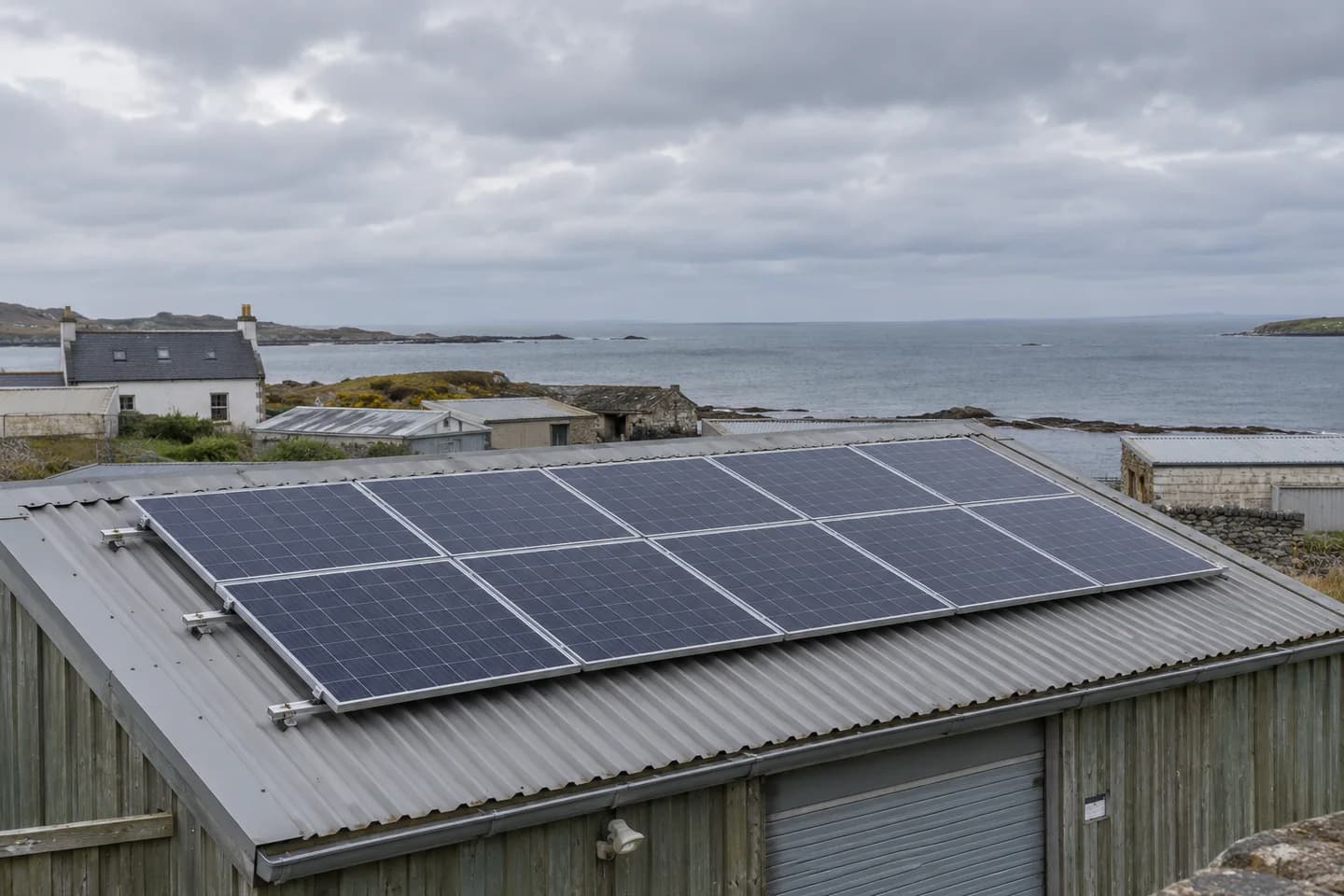
How do solar panels perform in clouds, heat, salt air and dust?
A panel's watt rating cannot describe every site. Learn what changes in cloudy, hot, coastal and dusty locations, and which details belong in a supply quote.
Read Article→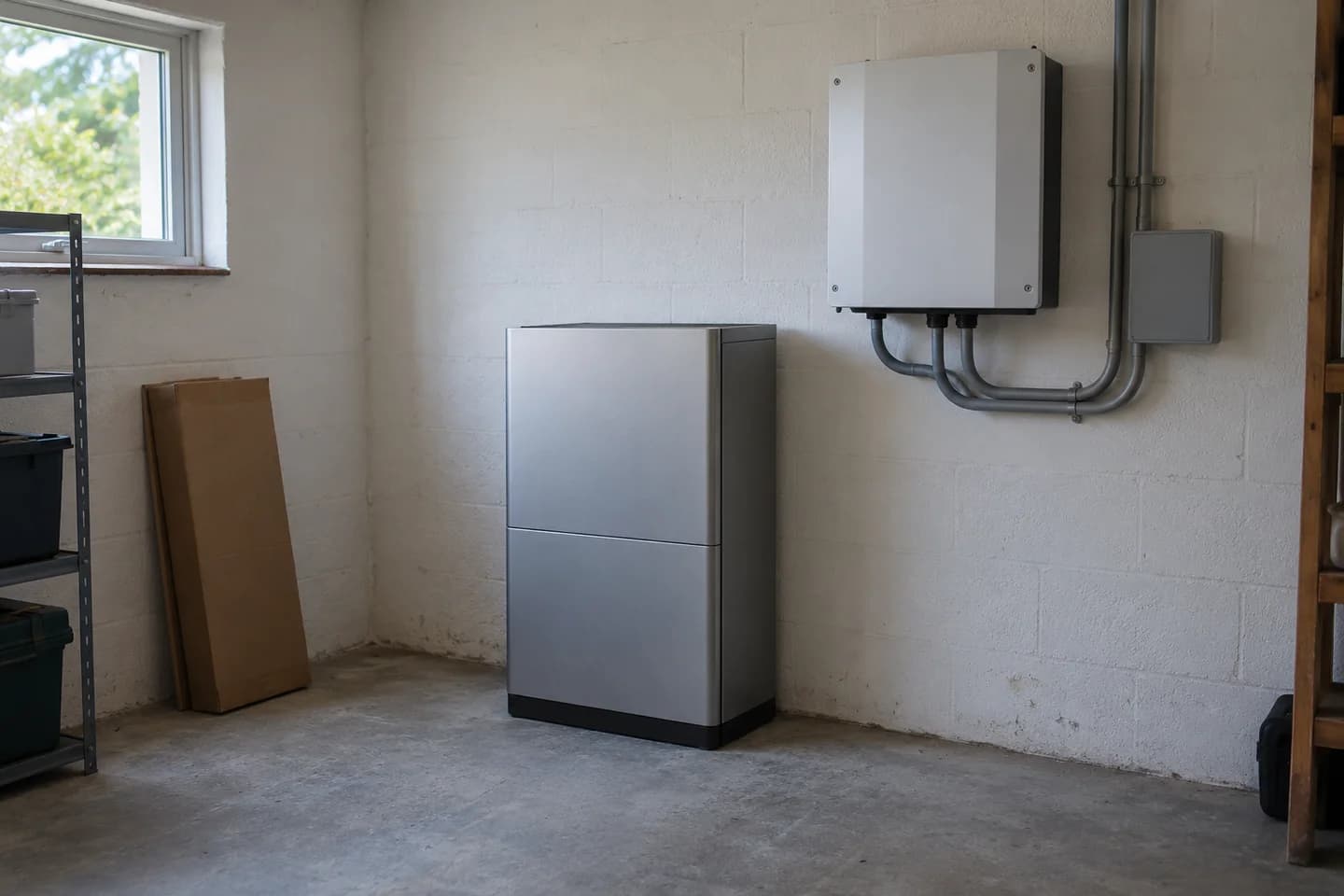
How to compare solar battery specifications before buying
Two batteries with the same kWh label can do different jobs. Here is how to read the numbers, check the missing details and compare like-for-like quotes.
Read Article→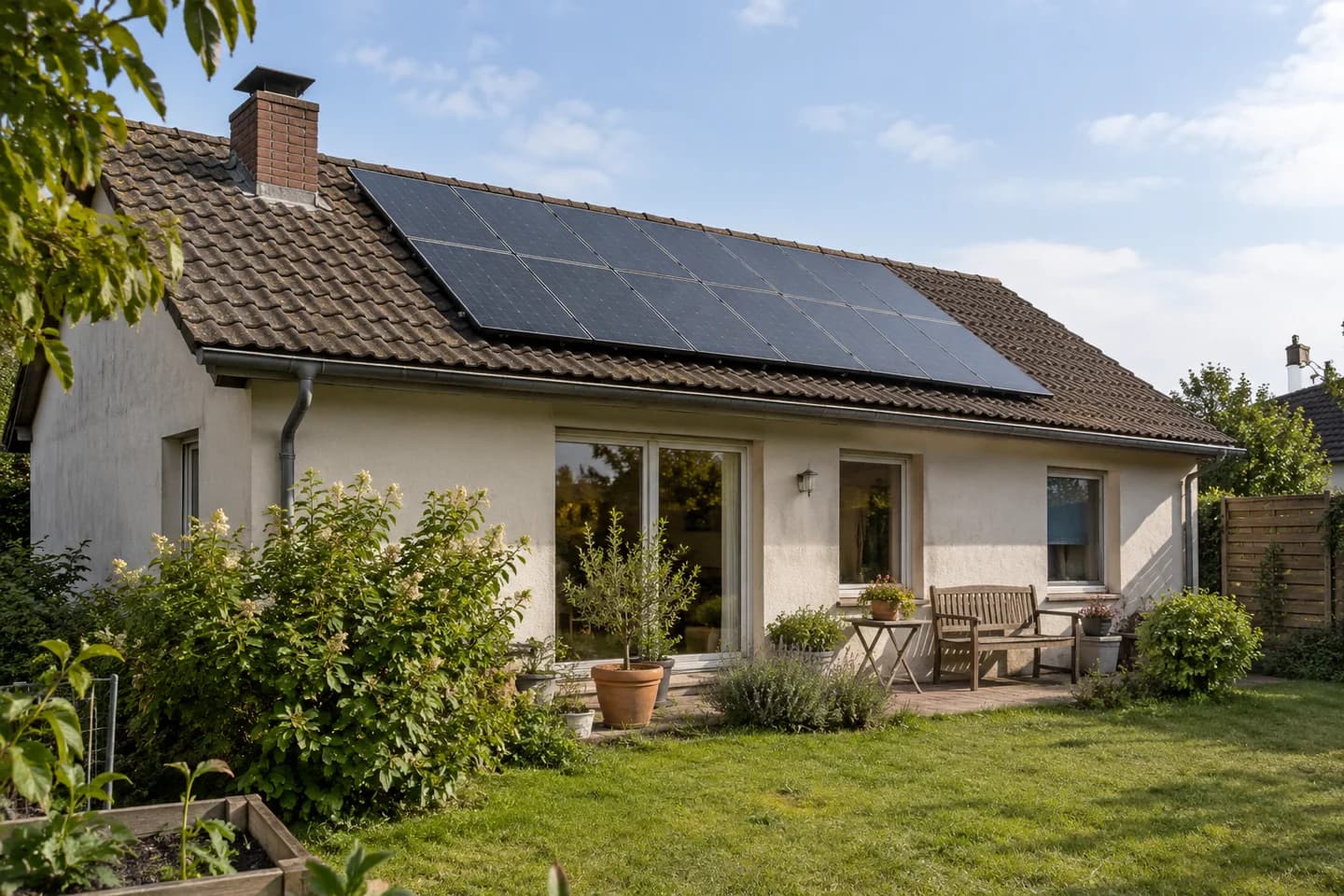
Solar self-consumption and grid export: what equipment do you need?
For project buyers, installers and distributors: what to source as an equipment package, what to arrange locally, and what a useful supply quote should include.
Read Article→